Shopify Collection Page SEO: How to Rank Category Pages Above Competitors
- September 23, 2026
- SEO
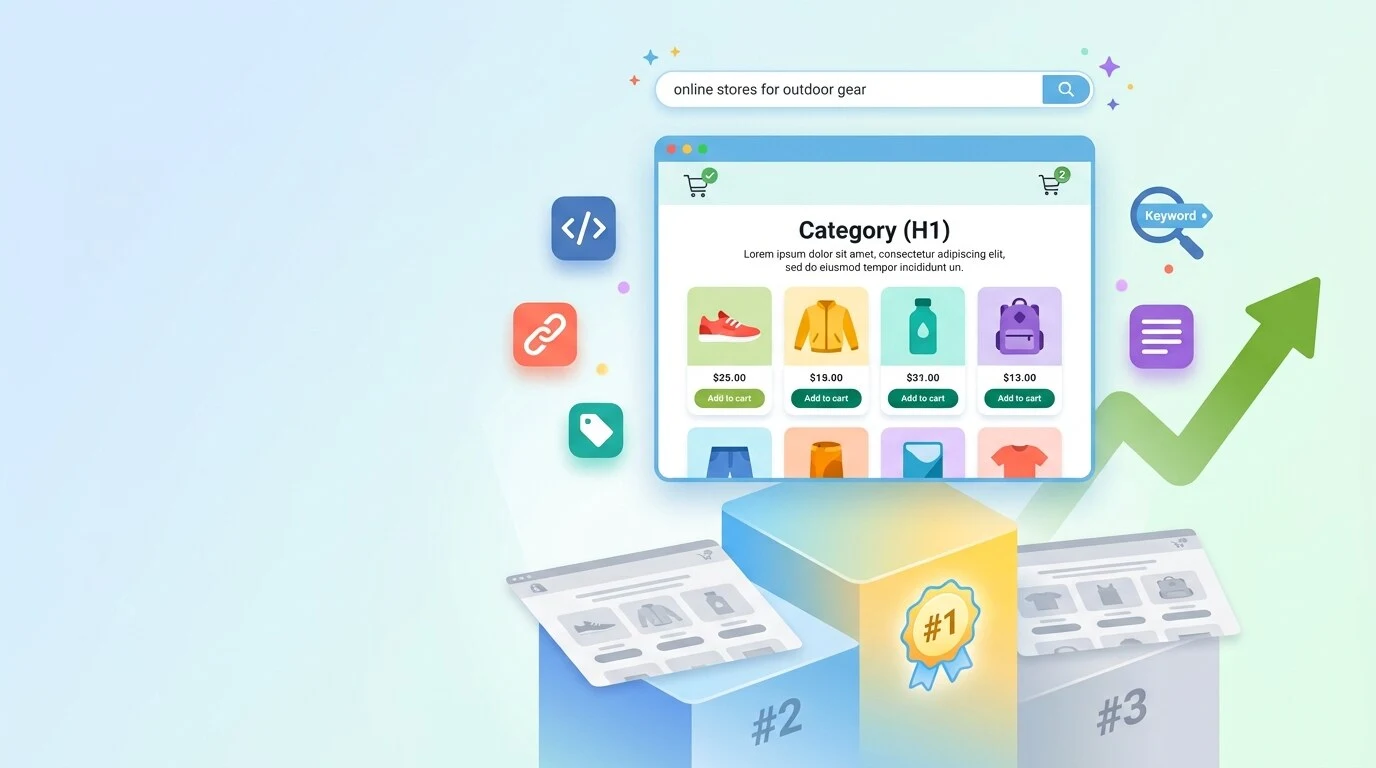
Shopify collection page SEO comes down to one blunt fact. Most stores add a title and a product grid, then wonder why the page never ranks.
Fixing that is not a hidden trick. It just takes real text on the page plus a handful of technical fixes most merchants never touch.
Five changes handle most of the work.
- Give each collection one target keyword.
- Add a short intro above the grid and longer content below it.
- Sort by bestselling instead of alphabetical.
- Use numbered pages instead of infinite scroll.
- Add CollectionPage, ItemList, and BreadcrumbList schema.
The rest of this blog goes through each of those, plus the keyword research, the internal linking, and the common mistakes that quietly cap rankings.
Working with an experienced website SEO services provider can shortcut a lot of this trial and error. Every step here is also something you can run yourself.
What Actually Moves a Collection Page Above Competitors
A collection page ranks when it has real text for Google to read, on top of clean technical basics. Most stores skip both.
Google's own John Mueller has said category pages with only product links are hard to rank. That single line explains why so many collection pages sit stuck on page two no matter how good the products are.
Collection pages and product pages catch different shoppers. A product page catches someone who already knows the exact item they want, like "Nike Pegasus 41 size 10."
A collection page catches someone still browsing a category, comparing options before they decide, like "running shoes." That second group is usually bigger. Shopify category page SEO exists to win that broader search volume a single product page can never reach on its own.
Start With Keyword and Taxonomy Research, Not Page Edits
"Taxonomy" just means how your collections and subcollections are organized. Getting this right matters more than any single page edit, because a page-by-page fix can only ever rank as well as the category structure underneath it allows.
Give every collection one target keyword before you touch the copy or the schema. Two collections chasing the same keyword split your own ranking chances instead of competing against a rival store.
Build your collections around real search terms too, not internal merchandising labels. A collection named "Spring Refresh" might make sense on a planning spreadsheet, but nobody searches that phrase. Terms like "running shoes" or "waterproof jackets" belong in your URLs and titles instead.
Do this mapping work before you touch copy or schema. A perfectly written description on a poorly named collection still loses to a competitor whose category structure matches how people actually search.
Solid ecommerce SEO strategies always start with this exact step, before a single word of on-page copy gets written.
Writing Content That Earns Its Place on the Page
Content is the most neglected part of Shopify collection page content, and it is also the easiest fix most stores can make in one afternoon. Google cannot rank a page that has nothing to read.
Write a short intro above the grid, roughly 50 to 100 words, with your primary keyword placed naturally near the start. Google weighs text position on the page, so an intro buried below dozens of products carries less weight than one sitting right under the H1.
Save longer content for below the grid instead. A buying guide, a short FAQ, or extra category detail belongs after the products, so shoppers see what they came for first, while Google still gets the depth of text it needs.
Write for the shopper, not the algorithm. A sentence explaining what makes a shoe good for trail terrain earns its place. A paragraph repeating "running shoes" five times does not, and shoppers can tell the difference even when they cannot name why a page feels off.
Good content on Shopify dropshipping and sales treats collection copy the same way, as a conversion tool first and a keyword vehicle second.
Title Tags, Meta Descriptions, and URL Slugs
Metadata is the part of Shopify collection page SEO most merchants edit once and never revisit. It is worth doing carefully the first time.
- Title tag: Put your primary keyword first, and keep the whole tag under 60 characters so it does not get cut off in search results. "Running Shoes for Men" beats "Shop Our Amazing Selection of Men's Running Shoes" for both length and clarity.
- Meta description: Keep it under 155 characters and write it to earn the click, not just repeat the title. A line that answers a real question, like whether the collection ships internationally, gives a shopper a reason to pick your listing over the one above it.
- Where to edit them: On Shopify, both fields live in the Search Engine Listing preview on each collection. Click the pencil icon in the collection editor to open it. This is the same panel worth checking right before you make your Shopify store live.
- URL handle: Keep it short and keyword-forward, and never change one on a live collection without setting up a 301 redirect first.
Skipping that step turns a small edit into a real ranking loss overnight, the same risk covered in detail if you ever change your Shopify store name.
Fixing the Product Grid and Pagination
A handful of grid and pagination settings quietly decide how much of your catalog Google can actually see.
- Sort order: Shopify defaults to alphabetical, and it undersells almost every page it touches. Switching to the bestselling or newest usually lifts both engagement and conversion with zero extra SEO work.
- Products per page: Treat this as a range, not a fixed rule. Google's own ecommerce documentation points to roughly 24 to 48 items as reasonable, though it stops short of a hard standard. More products per page means fewer paginated URLs, but also a heavier page, so weigh it against how fast your Shopify store loads.
- Numbered pages, not infinite scroll: Googlebot does not click buttons or scroll, and it generally will not trigger the code that loads more products on an infinite scroll page. A collection with hundreds of products hidden behind scroll-triggered loading can end up mostly invisible to Google.
- Skip rel=next and rel=prev. These tags stopped being an indexing signal back in 2019, even though plenty of Shopify tutorials still push them as a fix. What actually matters now is giving each paginated page its own real URL, plus a canonical tag that points back to itself.
Taming Filter URLs Without Losing Crawl Budget
"Crawl budget" just means how much of your site Google bothers to visit in a given stretch of time.
Shopify already protects a good chunk of it by default, and knowing exactly what it covers saves you from fixing a problem that does not exist.
| What's Blocked by Default | Why It Matters |
| /collections/*sort_by* | Stops sort-order URLs from being crawled as separate pages |
| /collections/*+* | Blocks stacked filter and tag combination URLs |
| /search | Prevents internal search result pages from being indexed |
Where stores actually leak crawl budget is different from what most guides assume. A hand-edited robots.txt file, changed by a developer years ago, can accidentally remove or override these default rules without anyone noticing.
A filter app Shopify's defaults don't cover is just as common a leak. The built-in rules only catch Shopify's own native filter syntax, not a third-party app's parameters.
The only reliable way to check is to open your live /robots.txt file directly and search it for "filter" and "sort_by." Do not assume the default is still intact just because nobody remembers editing it.
One real case on Shopify's own community forum showed tens of thousands of ?sort_by= collection pages sitting blocked by robots.txt yet still indexed, because Google had crawled and indexed them before the block ever existed. A robots.txt rule alone cannot remove a page already in the index.
Fixing that kind of leftover usually needs a noindex tag instead, and running a full ecommerce SEO audit is the fastest way to catch it.
Structured Data for Collection Pages
Structured data, often called schema, is a small block of code that tells Google exactly what a page contains instead of making it guess. For collection pages, three types do most of the work.
- CollectionPage. Marks the page itself as a curated group of products, not a random listing.
- ItemList. Lists the products on that specific page. This should only cover the products actually visible on that paginated page, not your full catalog. Listing everything regardless of page can send Google the wrong signal and cost you eligibility for Google's product carousel in search results.
- BreadcrumbList. Shows the category path, like Home, then Men's Shoes, then Running Shoes.
- FAQPage, if there is an FAQ block. Worth a quick note here. Google deprecated the FAQ rich result in May 2026, meaning the expandable dropdown no longer appears in search for any site.
FAQPage is still a valid schema type and Google still reads it, so existing markup will not hurt you. It just is not worth building from scratch anymore if the only goal is that now-retired visual result.
Internal Linking and Subcollection Structure
Internal links are one of the highest-leverage moves in Shopify category page SEO, and also one of the most skipped. A collection that only gets links from the main navigation menu is missing most of the ranking support it could be getting.
Link parent and child collections both ways. A shopper on "Men's Shoes" should see a clear path to "Running Shoes," and that link should work in both directions, not just from parent down to child.
Link from blog content into collections, too. A buying guide about choosing running shoes for trail terrain should link directly into your running shoes collection, passing the trust Google already has in that content over to the page you actually want to rank.
Keep every category within a few clicks of the homepage. A collection buried five clicks deep signals lower priority to Google, whether or not that was the intent, and it makes the page harder for shoppers to find too.
Common Mistakes That Cap Rankings
A handful of mistakes show up on almost every Shopify store, and each one quietly caps how high a collection page can rank no matter how good the product selection is.
- Grid links are pointing to the wrong URL: Shopify's default theme code often links products from a collection grid to the long, collection-scoped URL instead of the clean /products/ version, splitting ranking value between two URLs for the same page. Our Shopify URL structure guide covers the exact fix.
- A page with nothing but a title and a grid: The single most common issue on Shopify stores, and also the easiest to fix. Even 50 to 100 words above the grid gives Google something real to rank.
- Infinite scroll with no fallback: Products loaded only through scroll-triggered code stay invisible to Googlebot. Googlebot does not scroll or click to reveal more content.
- Copying manufacturer or duplicate descriptions: Reusing the same paragraph across multiple collections, or pulling it straight from a manufacturer's catalog, tells Google two pages cover the same ground. One of them usually loses.
Final Words
Shopify collection page SEO rewards stores willing to treat category pages as real content, not just navigation.
The technical layer, meaning pagination, robots.txt, and schema, sets the ceiling. The content and category structure underneath it decides whether you actually reach that ceiling.
Work through this in order. Fix the keyword and category mapping first, add real content next, then clean up the technical defaults and schema.
Each layer supports the next, and skipping straight to schema on a page with no text to read wastes the effort before it starts.
Some Common FAQs on Internal Linking and Subcollection Structure
Do Shopify collection pages rank better than product pages?
For broad category searches, yes. A collection page can capture demand for an entire category instead of one specific item. Product pages still win for searches that already name a specific model or SKU, where a shopper knows exactly what they want.
Should every collection have a written description?
Yes, unless the collection is a temporary or seasonal grouping with no real search demand behind it. A collection with genuine search volume and no description is leaving ranking potential on the table for almost no effort to fix.
How many products should a Shopify collection page show?
Somewhere in the 24 to 48 range works for most stores, balancing fewer paginated pages against page load speed. Larger catalogs on fast themes can push toward the higher end, while image-heavy stores on slower connections should stay closer to the lower end.
Does Shopify handle faceted navigation SEO automatically?
Partially. The default robots.txt blocks native sort and filter URL patterns, but custom filter apps and hand-edited robots.txt files can quietly break that protection. Checking your live file beats assuming the default still applies.
Is infinite scroll okay for a Shopify collection page?
Only if it includes a fallback, such as numbered pagination links that still work with JavaScript disabled. Pure infinite scroll with no fallback hides products from Googlebot. Googlebot does not trigger the scroll action that loads additional items.
Ruth Carol is a professional SEO expert providing services concerning to search engine optimization process. She has 10 years long experience with vast knowledge in the field of modern search engine optimization process and is continuing. Her educational background, along with her working experience in this field, enables her to gain ample knowledge in this subject area. She was an active volunteer in google serve program and a regular blog writer subjecting SEO optimization process and special tips. Follow her blogs on seoviser. Besides, she is an active member of the Chang Mei International SEO Conference. Furthermore, she is the founder of SEO Viser, which is an SEO agency providing SEO solutions all over the world. She aims to help companies ranging from small to big to develop a long-lasting solution to rank their site. Apart from that, she provides consultancy services related to search engine optimization and contributing to social media and online platforms like Fiverr, Upwork, etc. To know more about her services and anyone can visit seoviser or simply email her through her website. She is a great mind and loves to share knowledge. Contact her at seoviser.
OUR SERVICES


Request a free quote
We offer professional SEO services that help websites increase their organic search score drastically in order to compete for the highest rankings even when it comes to highly competitive keywords.
More from our blog
See all posts